
Built for Auditors Who Want to Do More

Your audits shape more than compliance—they influence safety culture. InUnison reduces admin work, enhances audit accuracy, and helps clients move from safety paperwork to real safety performance.

Why Auditors Support the Use of InUnison

Smarter Audits. Stronger Outcomes.

Read-Only Access to client policies, training, inspections, and hazard data

Streamlined Reviews with automated corrective action tracking

Audit-Ready Records: Centralized, time-stamped, and defensible

Easy Referrals: Help clients modernize and earn recognition perks

Real Impact: Support continuous safety improvement, not just checkboxes
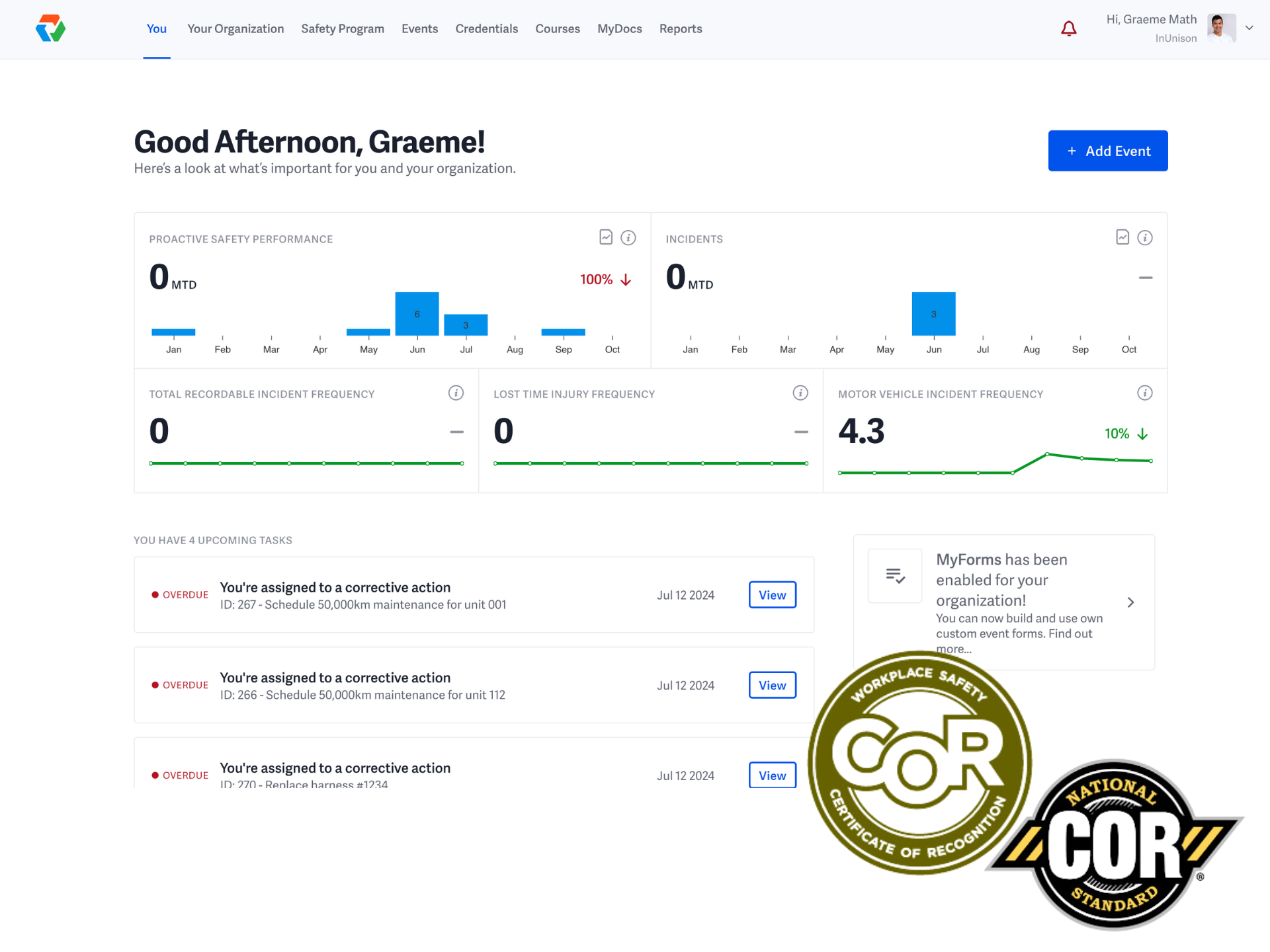
Integration Image

Go Beyond Compliance

“Safety that lives in binders is safety that fails in practice". InUnison helps turn COR certification into ongoing performance:

Digital Workflows replace static paperwork

Meaningful Metrics like FLHA completion rates

Built-In Automation keeps safety productive

Frontline Tools give supervisors real-time risk control

Backed by Research, Proven in the Field

Many companies pass audits—but still miss the mark on safety. InUnison closes that gap with:

Verified competency tracking

Transparent, real-time metrics

Continuous feedback loops

Hazard engagement in the moment

A Strategic Advantage—for You and Your Clients

Lead, Don’t Lag: Act on risk trends before they become incidents

Benchmark with Confidence: Across teams and timelines

Drive Culture & Competency: Reinforce safety skills daily

Align Safety & Operations: Less paperwork, more performance

integration Image

Is It Easy to Switch to InUnison?

  1. Subscribe and select provincial WCB industry code to automate your system build
  2. Identify and create worksites your company has or clients you may work with
  3. Create Reporting groups based on how your company operates
  4. Generate Training Credentials based on your company's reporting groups and current training credentials being tracked today
  5. Upload Training Credentials and legacy data via InUnison upload tools

  1. Meet with your team to share the good news of how InUnison will make their job easier and ditch the paper and go digital via mobile/computer devices
  2. Invite your team. It's a breeze by populating the name and email. They will receive the invitation and create their own password.
  3. Share Visual Help Guides with your team to give them simple step by step instructions for key features they will use.
  4. Once users have accepted invitations, point each user to the reporting group they belong to in your company.
  5. Create the first "Event" in the system documenting the onboarding process has been implemented.

  1. In a team meeting or virtual session no longer than 15 minutes, invite the team to review how to start reading critical safety content supported by sharing "Read and Accept" Help Guide to enable workers to read and accept policies and safe work practices relevant to their role.
  2. In a team meeting or virtual session no longer than 15 minutes, invite team to start creating Events supported by sharing "Create New Event" Help Guide, to enable workers to create a new event like "Hazard ID, Inspection, Training, Near Miss or an Incident
  3. In a team meeting or virtual session no longer than 15 minutes, invite team to add new training ticket credentials supported by sharing "Add a Credential" Help Guide to step them through the process of uploading a new training credential.
  4. As an administrator, review the large list of "Event Forms" to see if you would like to modify or create additional forms relevant to your business needs. This is supported by "Create a new Form" Help Guide or by the InUnison Support Team.
  5. As an administor personalize the view of each reporting group's safety program. This will minimize required content reviews and position readership data for your next COR audit

  1. Share reporting group specific content review requirements so teams know what is required for them in each reporting group or role
  2. Follow the monthly prompts to populate "Person Hours and Mileage" for employees and contractors. This automates Total Recordable Frequency (TRIF), Lost Time Frequency (LTIF) and Motor Vehicle Incident Frequency (MVIF) ratings.
  3. Utilize the InUnison system in weekly meetings, daily tailgate meetings, monthly safety meetings or other opportunities to encourage team members to see how functionality can be used to track meetings, corrective actions, inspections etc.
  4. Utilize the Reporting tools to review "Safety Content Readership, Event Reporting, Training Compliance, Corrective Action follow up etc."
  5. Export safety program Policies, Safe Work Practices, Training Compliance, Corrective Action follow up, Incident Reporting etc. for upload to COR Audit or to clients as required.

Next Steps for Auditors

Request Auditor Access

(for your client’s InUnison platform)

Refer a Client

(move them off outdated systems and onto modern, measurable safety)

Learn More About InUnison’s Vision

(see how we’re driving the future of safety & compliance)

Frequently Asked Questions

Yes. InUnison is built around the COR audit structure and supports custom auditor access, making it easy to review, document, and report.

Absolutely. InUnison is designed for what’s next: enabling safety as an operational performance tool, not just a compliance checkbox.

Join InUnison. Make your audits smarter, your clients safer, and your impact greater.

Clients can transition to InUnison with guided onboarding and data integration, minimizing disruption.

Auditors who refer clients are recognized through formal listings, status, and opportunities for input/co-creation on future features.

Latest Blog

Take a look whats going on